

Where your passwords
live right now
"It's on a sticky note under the keyboard."
Or in a spreadsheet called passwords.xlsx on the shared drive.
"I use the same password for everything."
So when one website gets breached, every account is at risk.
"Five of us share the login for the supplier portal."
Sent around by text, and never changed when someone leaves.
"They left, and they know all our passwords."
Changing every shared login is a job nobody gets around to.
Bitwarden, set up for you
We set up Bitwarden for your team and look after it.
Strong, unique passwords
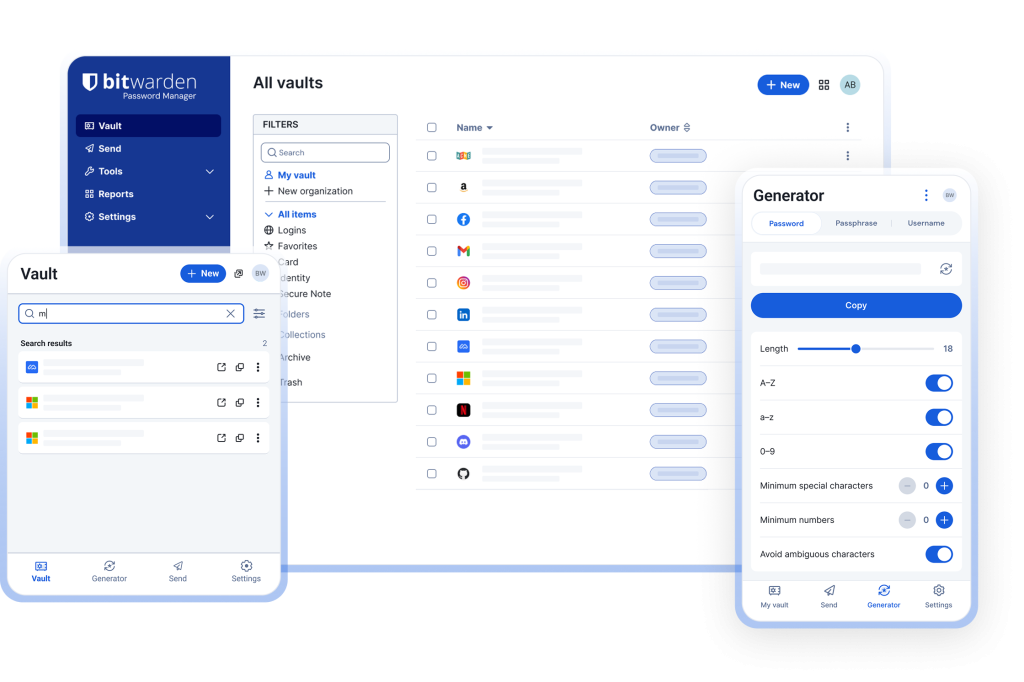
Every account gets its own long, random password, generated and filled in for you.
Shared logins, shared safely
Team logins kept in shared collections, so the right people have access and nobody texts passwords around.
On every device
Browser extensions, desktop and mobile apps, so your passwords are there wherever you sign in.
Synced with your accounts
Bitwarden can sync users from Microsoft 365 or Google Workspace, so starters and leavers stay in step.
Leavers lose access
When someone leaves, their access to shared logins is removed, and you can see which ones they had.
Encrypted end to end
Vaults are encrypted on your device before they’re stored, so Bitwarden itself can’t read them.
Sign in without
typing a password
Bitwarden spots the login page and fills in the right details. New accounts get a strong password generated on the spot.
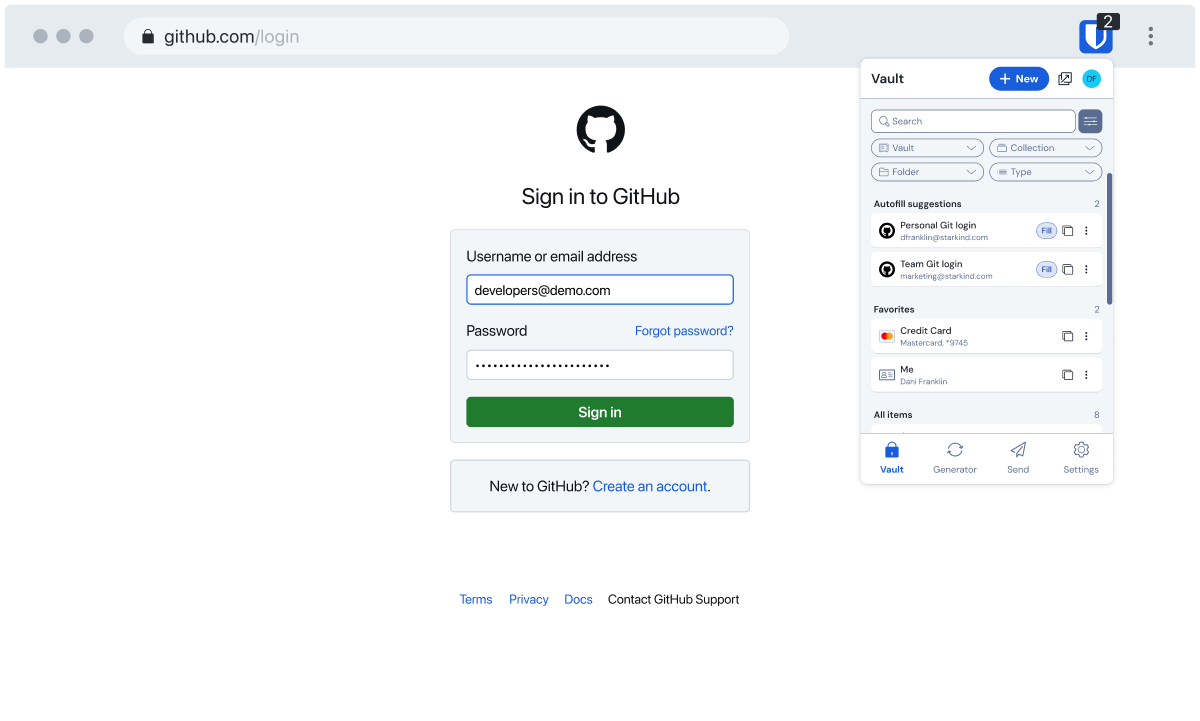
- Autofill in the browser and on phones
- Password generator built in
- Open source and independently audited
Bitwarden browser extension. Image: Bitwarden.


